Is GDriver made by or affiliated with FarDriver?
No. GDriver is independently developed and is not affiliated with, endorsed by, sponsored by, or an official product of FarDriver. The name identifies compatible third-party hardware.
Which FarDriver controllers work with GDriver?
Compatibility and features depend on the controller model, hardware revision, firmware, Bluetooth module, vehicle, region, and protocol. GDriver identifies the connected controller and exposes the supported data and tools available for that setup.
Can GDriver change controller settings?
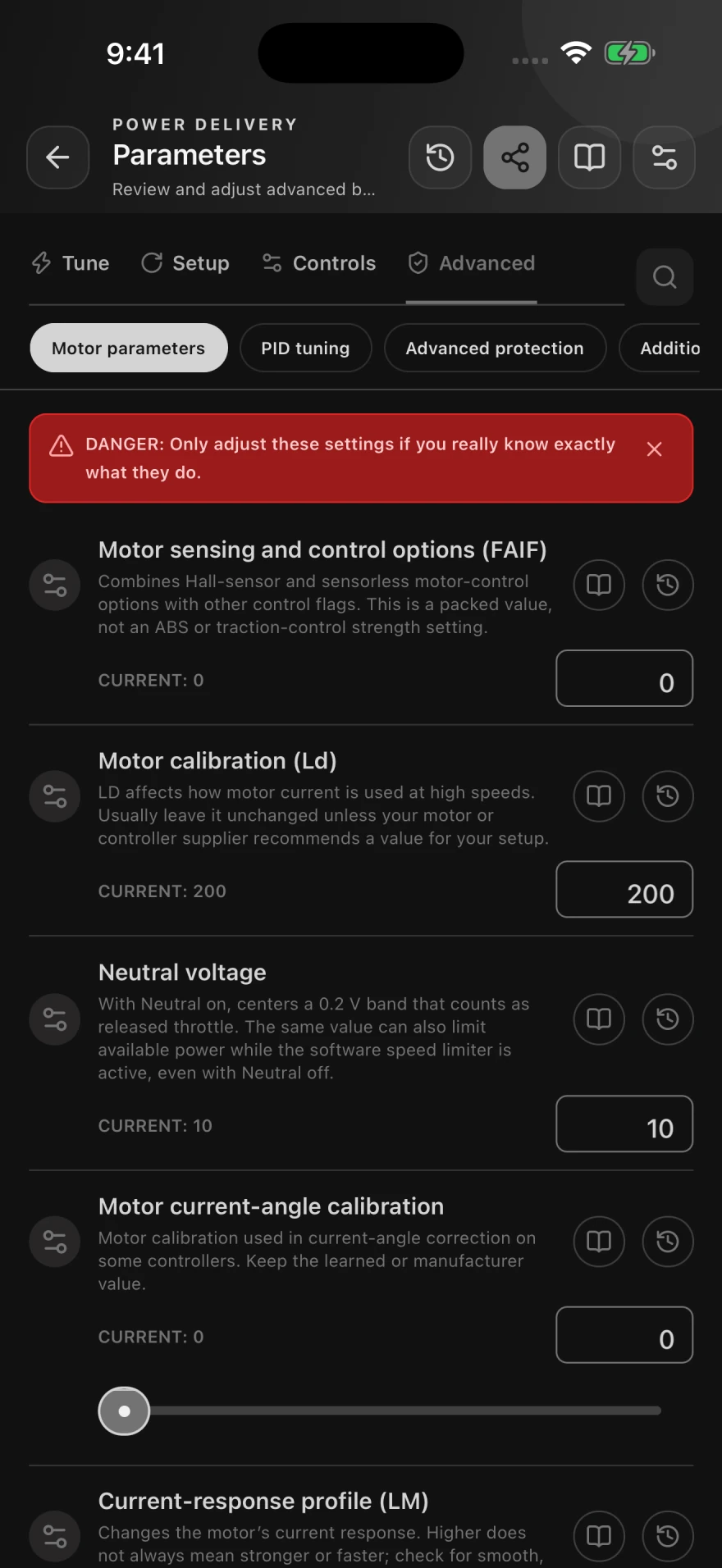
On compatible controllers, GDriver can read and edit supported parameters. The exact fields and editing access vary by model, firmware, controller state, and authorization.
Does GDriver support Auto Learn?
GDriver provides Auto Learn workflows for supported controllers. Secure the vehicle with the drive wheel fully off the ground and follow the displayed safety instructions before starting.
Can I test the Bluetooth connection first?
Yes. The browser-based diagnostic can safely test a compatible module, controller communication, maintenance-load reliability, authorization state, and editing availability without writing controller parameters.
Can I save the current tune?
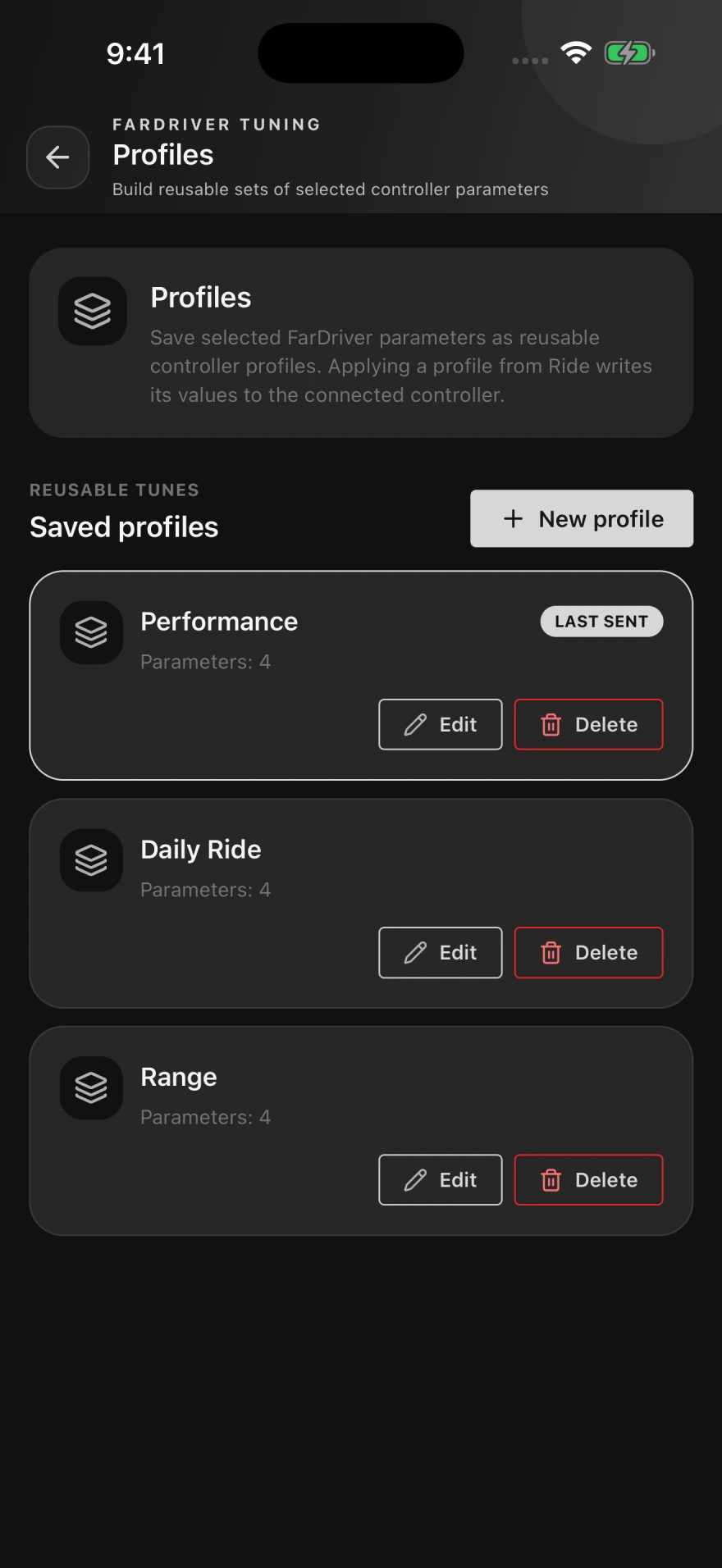
GDriver can save reusable profiles from supported controller parameters. Preserve a known-good setup before editing and make one group of changes at a time.
Does it record rides and live data?
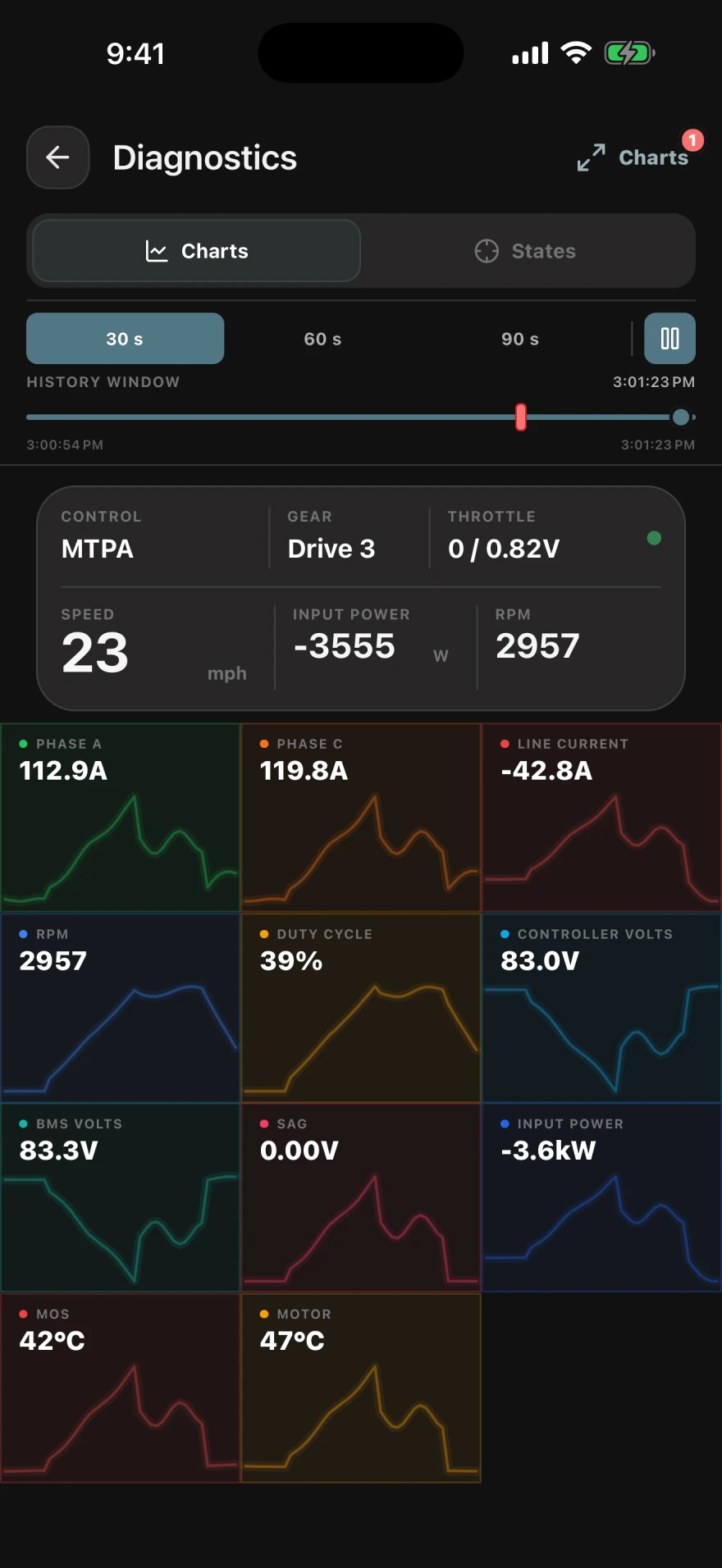
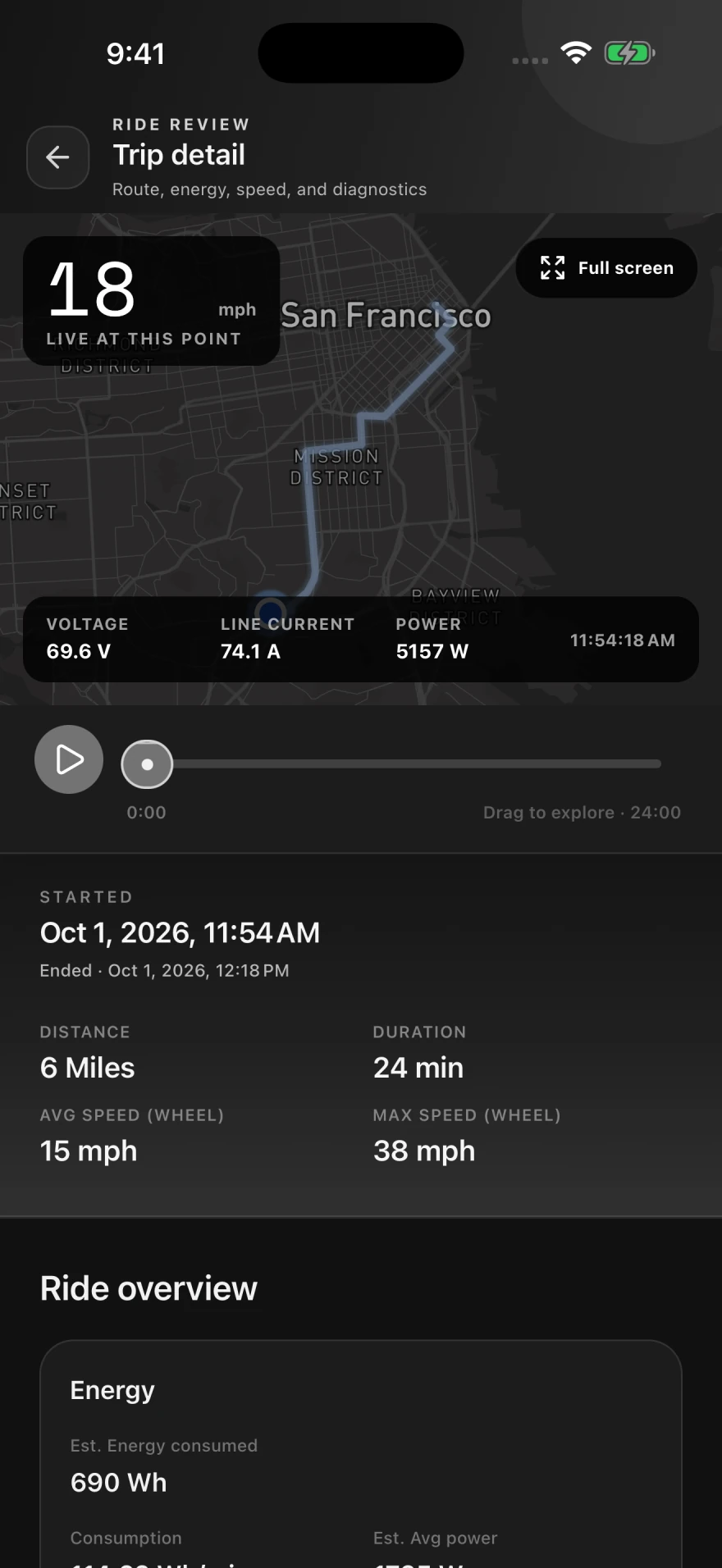
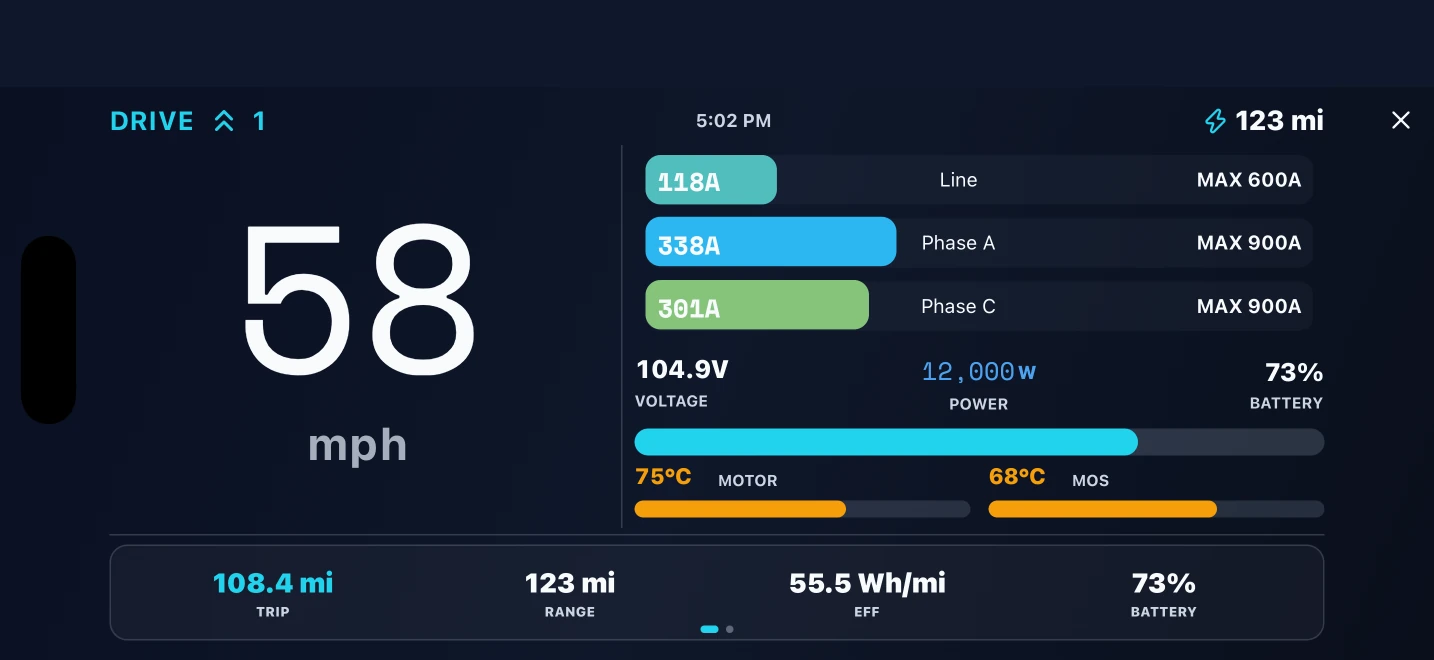
Yes. Depending on the connected hardware, GDriver can display supported controller, battery, and GPS signals and record routes and ride metrics for later review.
Why choose GDriver for a FarDriver controller?
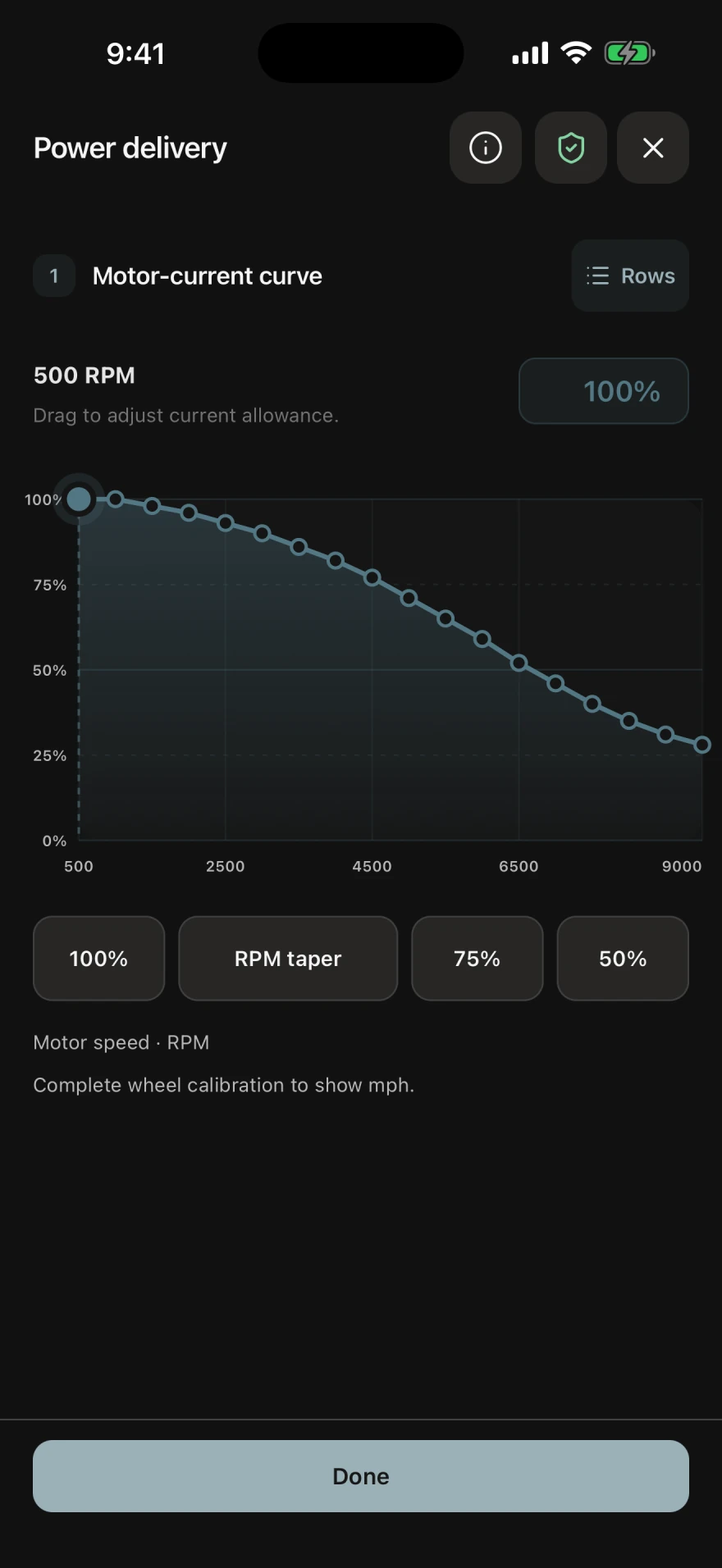
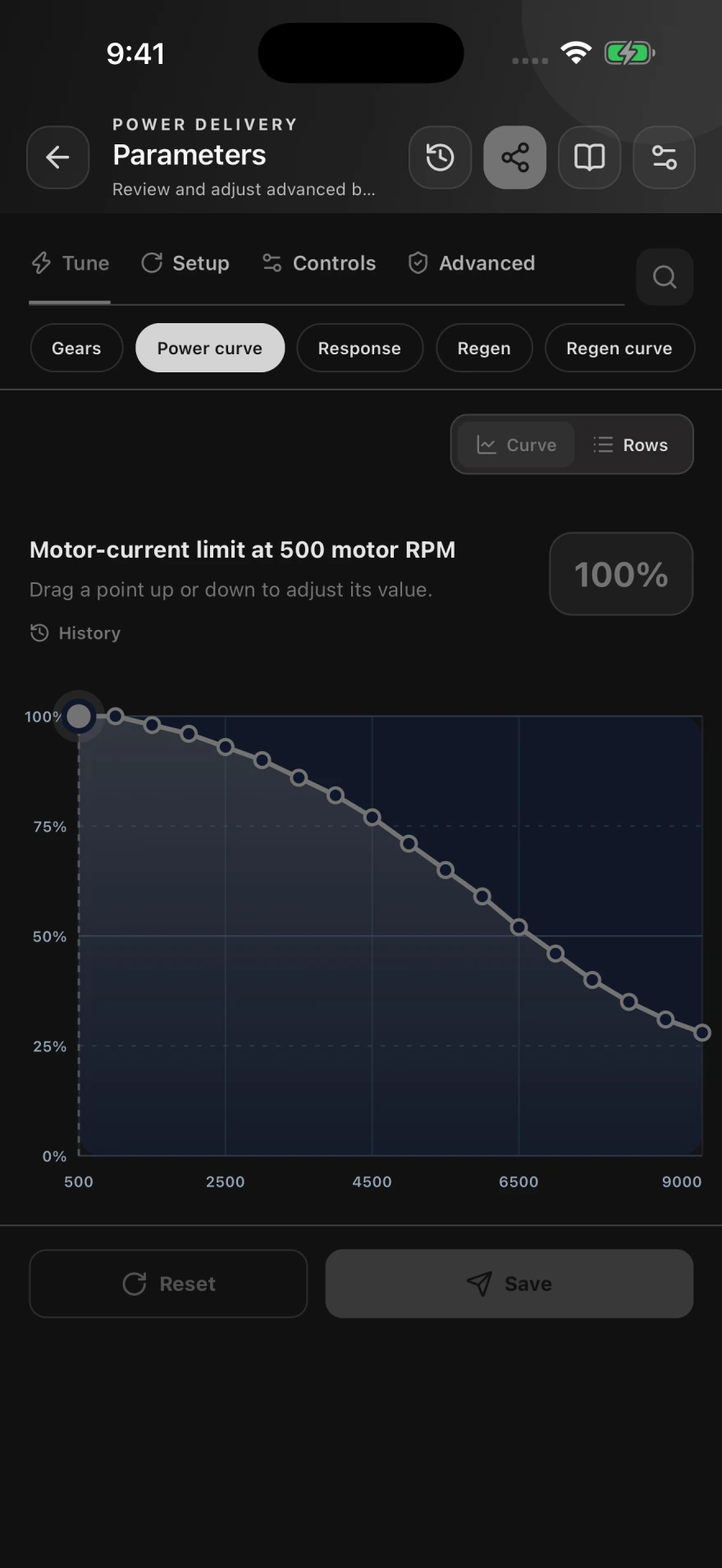
GDriver combines beginner-friendly tuning guides with the full supported FarDriver parameter set, in-context parameter explanations and history, visual curve editing, reusable profiles, backups, live diagnostics, firmware file upgrades, and ride review. It is available on Android, iPhone, and iPad, so you can start with guided setup and use deeper tools as your needs grow.
How does GDriver help me trust a controller edit?
GDriver has undergone extensive testing across controller setup and tuning workflows. It uses current controller information, validates supported edits, and checks controller responses. Adjusted, rejected, or unconfirmed results are surfaced so you can understand the outcome. Settings must still suit your hardware and be checked before riding.
Where should a new user start?
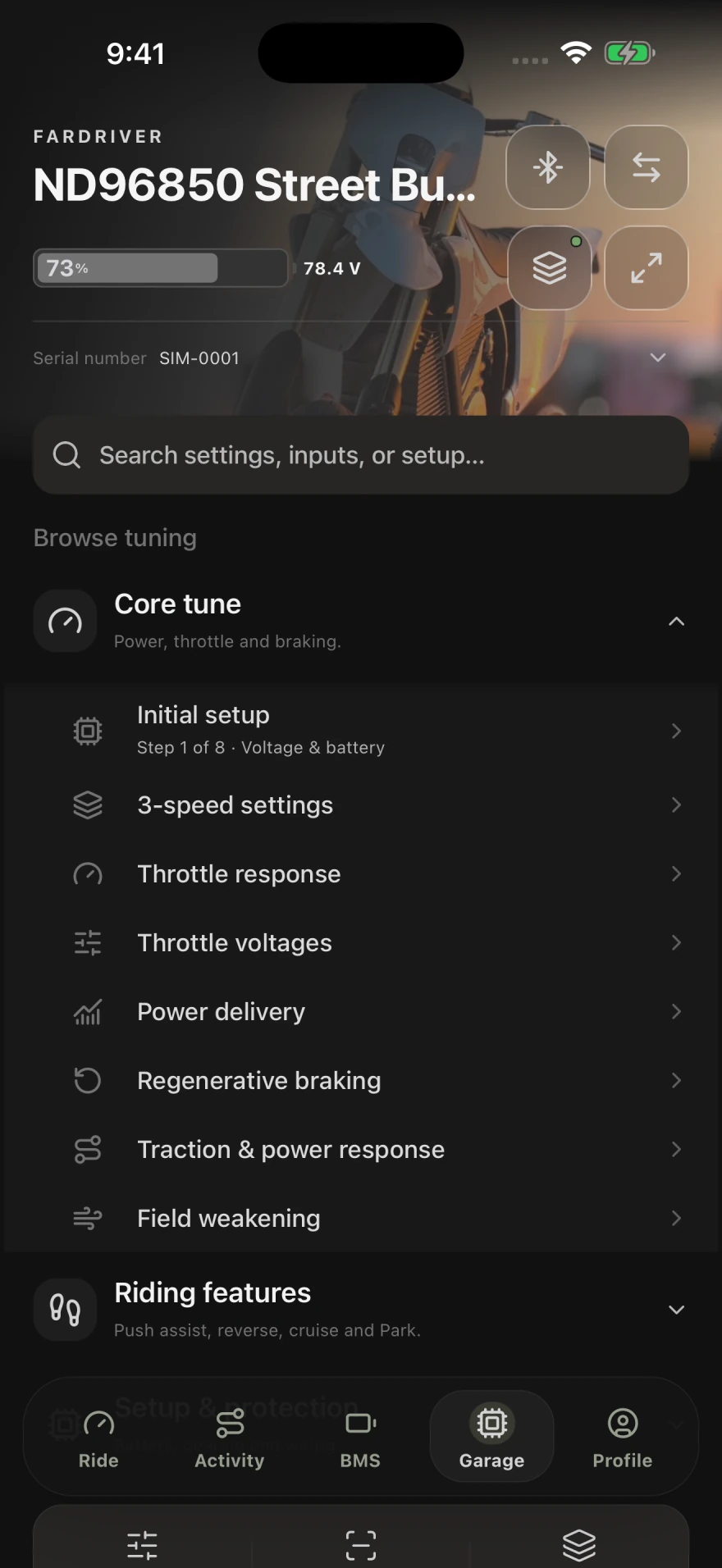
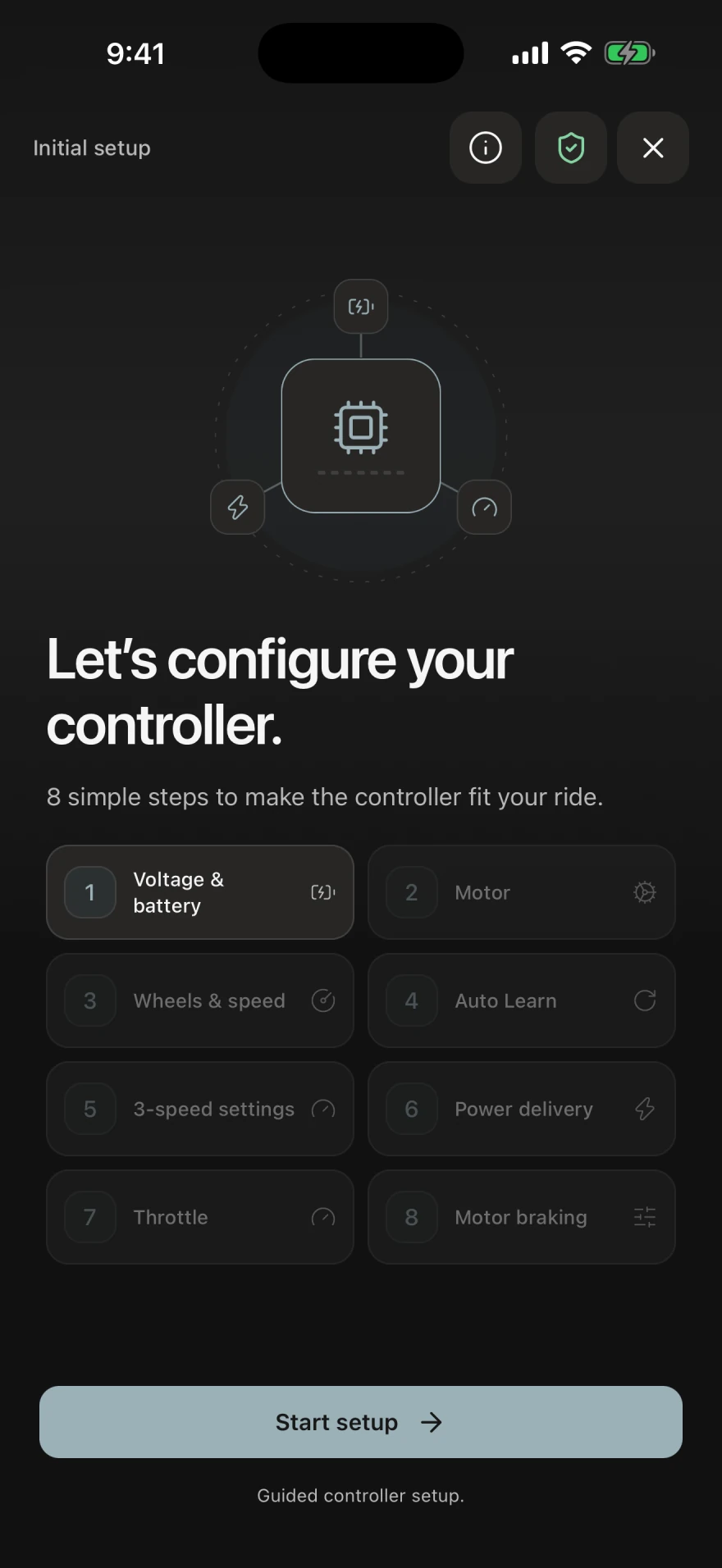
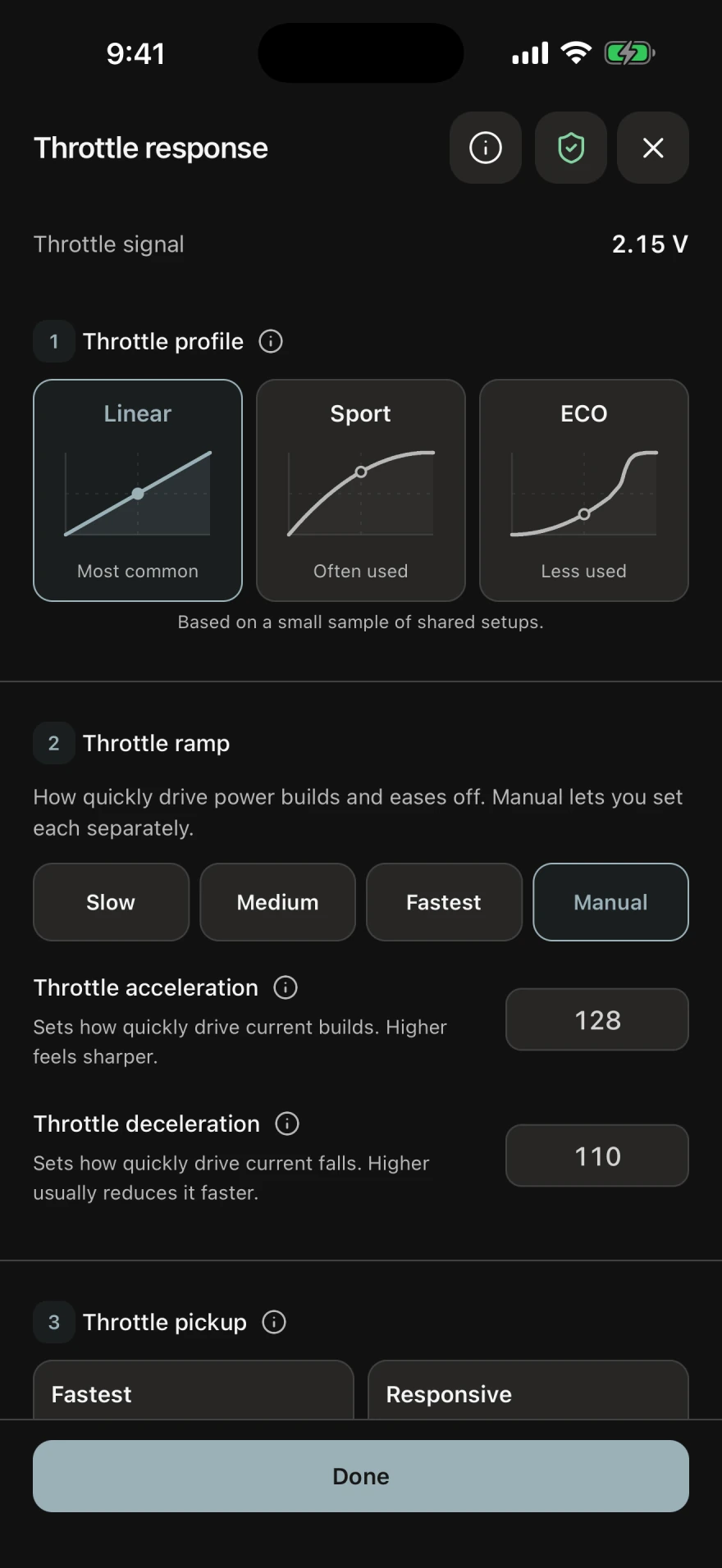
Start in Garage with Initial setup, then use a focused tuning guide for the behavior you want to adjust. Guides cover topics such as throttle response, power delivery, regenerative braking, battery setup, and riding features.
Can I access the full FarDriver parameter set?
Parameters exposes the complete set of FarDriver settings supported by GDriver for the connected controller, grouped into Tune, Setup, Controls, and Advanced. Available fields and write access depend on the controller and its reported capabilities.
Can GDriver upgrade FarDriver firmware?
On supported connections, use Backup, restore & firmware to select a .bin file supplied for your exact controller. GDriver checks its format and saves settings before the update. Legacy controllers receive a settings reference export that cannot restore values automatically. Keep power on, allow the controller to reconnect, and check settings afterward.
Where can I download GDriver?
GDriver is available as a free download from Google Play for Android and from the App Store for iPhone and iPad. Optional in-app purchases are available.